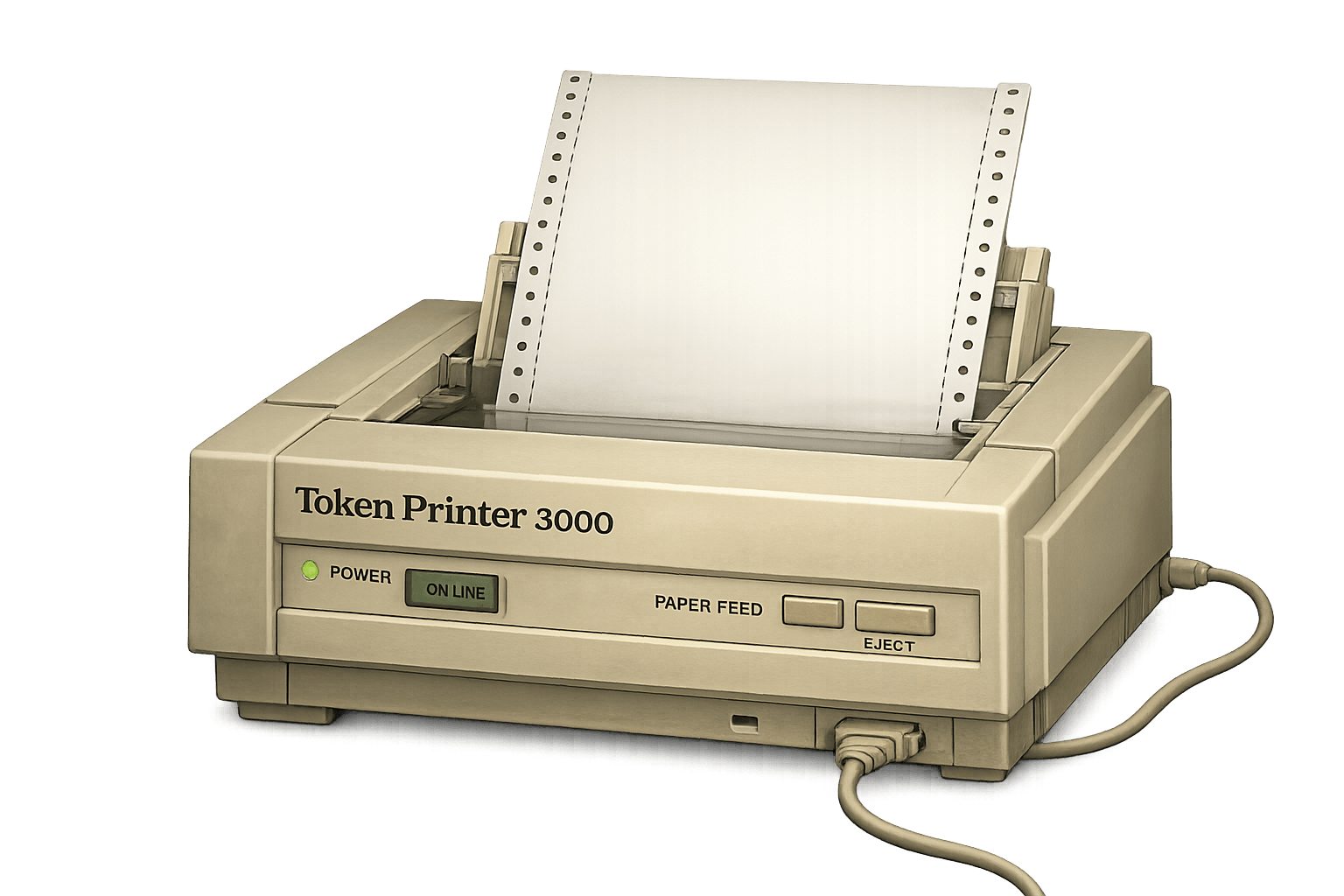
Nothing is coming off the printer right now. When a launch goes live, it will land here as a tile.
LIVE ►
🖩Calculator.exe
0
🐍Snake.exe
Score: 0Arrow keys / WASD
🐸Frogger.exe
Score: 0🐸🐸🐸
Terms and Conditions
Before first use, review the Terms and Conditions. By continuing, you confirm you read and agree to them and understand transactions are on-chain and generally irreversible.
Terms and Conditions
Before first use, review the Terms and Conditions. By continuing, you confirm you read and agree to them and understand transactions are on-chain and generally irreversible.
Guide
How TokenPrinter works
Quick flow
Open/create wallet: your wallet lives in this browser and holds the PEP used for launches, buys, and network fees.
Fund with PEP: send PEP to your receive address before taking any action.
Launch a token: fill in the name, ticker, image, and description — TokenPrinter applies the standard template automatically.
Fixed template: every launch uses 1,000,000 total tokens, 10,000 tokens per lot, and 100 lots to graduation.
Buy from the order book: open a token and tap a live ask to fill it instantly at the seller's posted price. You can also post a Buy Intent if no live asks match your budget.
Sell your lots: holders can list any number of lots on the self-custody order book. Use the Sell tab on any token you hold — set your ask price and publish. Batch sell lets you list up to 100 lots in one go.
After graduation: all 100 launch-curve lots are sold. Trading continues entirely through holder and creator sell listings in the secondary order book.
Self-custody PSBT order book
Sell orders are signed off-chain (PSBT). Your tokens stay in your wallet until a buyer fills the order — the site never takes custody.
Each sell listing creates a transfer inscription on-chain (commit + reveal transactions) before the order goes live.
Buyers pay the seller's exact posted ask. No hidden markups or platform cut on secondary fills.
Unfilled orders can be cancelled from the token view at any time.
Browsing tokens
LIVE — tokens with at least one active sell order and at least one completed buy. The most tradeable tokens right now.
NEW — recently launched tokens.
HOT — highest recent buy activity.
MCAP — ranked by market cap.
ALL — every token on the platform.
Safety notes
On-chain transactions are irreversible once confirmed — double-check addresses and amounts.
Listing fees (inscription) are paid from your wallet and are non-refundable even if the order is cancelled.
Creator and launchpad payout routes are visible in token details for transparency.
On primary buys, 0.69% routes to the launchpad wallet and 99.31% goes directly to the creator. Secondary fills pay the seller in full — TokenPrinter takes nothing on secondary trades. PepeCoin network fees go to miners and vary with chain activity.
Video walkthrough
How the site works
Use the chapter list to jump straight to wallet setup, token creation, help flows, the order book, or the token page overview.
Desk Tool
Report Bug / Suggestion
Report a bug or share a suggestion for the desk. Bugs help fix broken flows. Suggestions can be upvoted by other users so the next improvements are easier to prioritize.
Type
Use bugs for broken behavior. Use suggestions for new ideas, UX fixes, or quality-of-life improvements.
Included Context
Open bugs stay newest first. Open suggestions rank by upvotes. Completed entries include the public update from review.
No bug or suggestion reports have been shared yet.
Tutorial highlight
Interactive tutorial
How the site works
Step 1 of 6
Create your wallet
This walkthrough highlights the live wallet and DOS print flow without creating or trading anything.
What to do in this step
Guide preview
Wallet to trade walkthrough
Wallet
6 steps: create wallet, save key, fund with PEP, create token, buy, and sell.
The tutorial points at the real controls but never creates a wallet, prints a token, buys, or sells.
The DOS prompt can open for reference, but the tutorial never submits a live token or trade.
Flow statusCreate wallet active | Save key pending | Fund wallet pending | DOS print pending | Buy token pending | Sell token pending
Recovery key previewWrite the full key down offline, then confirm the last 6 characters to unlock the wallet.
Chat
Live wallet chatter for this token.